
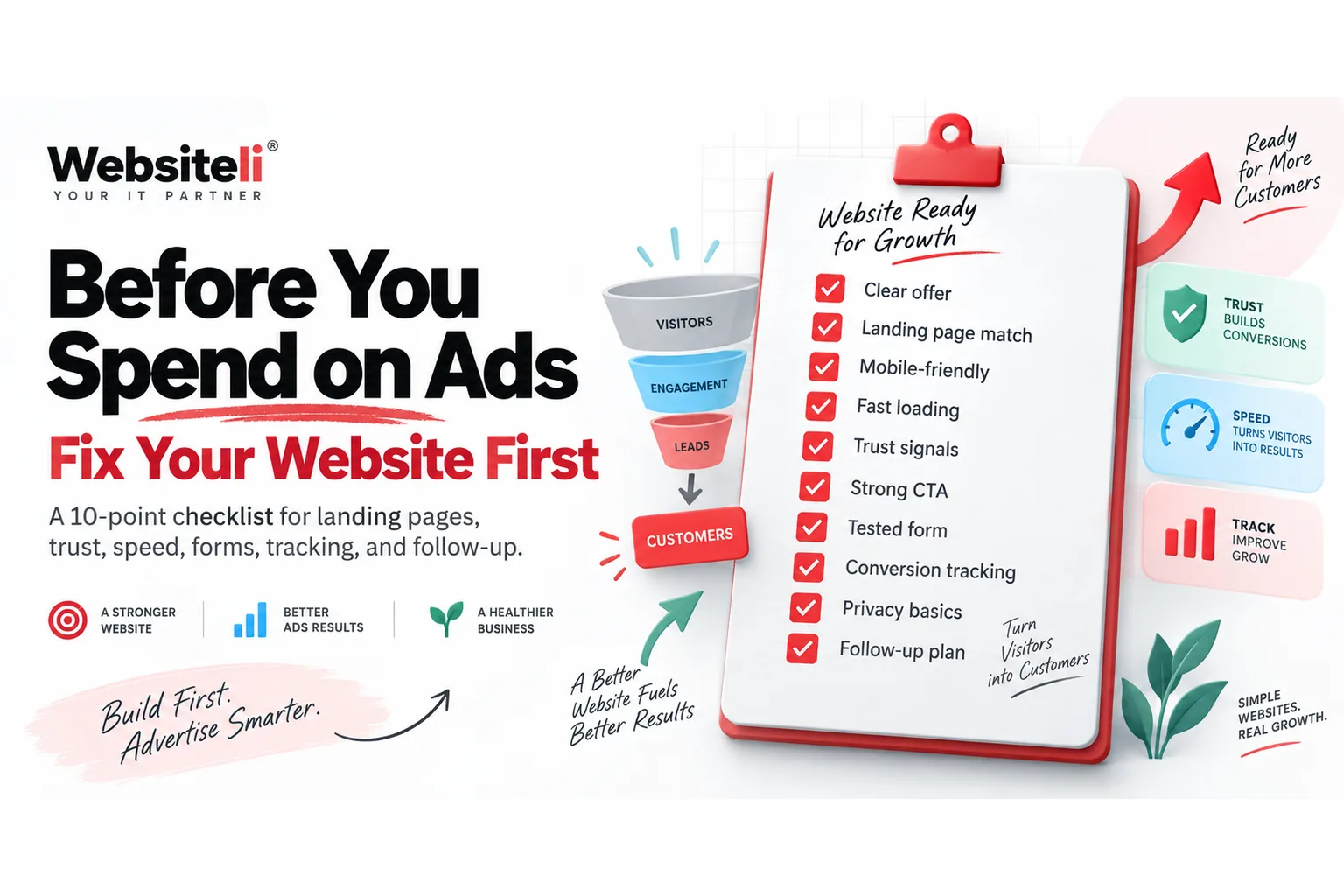
Article summary
- A website launch should include search, analytics, conversion tracking and business-account setup.
- Search Console and GA4 should be configured early so data starts accumulating.
- Social profiles, business email and tracking conventions should use consistent brand information.
- The launch is complete only after the full conversion path has been tested.
Key takeaways
- Verify the domain in Search Console.
- Submit and inspect the sitemap.
- Install GA4 and test events.
- Create and connect business social assets.
- Test forms, email delivery and mobile conversion paths.
- Create a simple monitoring routine.
Publishing the website is not the end of the launch
When a site goes live, I still have a second launch checklist.
The website may look finished, but I want to know:
- can Google discover it?
- can I measure visits and conversions?
- are forms actually sending?
- are the business social accounts connected?
- can I identify where leads come from?
- does everything work on mobile?
These are the tasks that turn a website into a measurable business channel.
1. Verify Google Search Console
Add the domain to Search Console as early as possible.
If you control DNS, a Domain property is usually the cleanest option because it covers the domain across protocols and subdomains. Google verifies Domain properties using DNS.
Then submit the sitemap and inspect the homepage plus important commercial URLs.
Full guide: How to Set Up Google Search Console.
2. Set up GA4
Create the GA4 property, Web data stream and Google tag.
Install the tag on the website and confirm that activity appears in Realtime. Google recommends adding the tag across the website and verifying that the Measurement ID is correct.
Full guide: How to Set Up Google Analytics 4.
3. Define conversion events
Decide what a valuable action actually is.
Typical examples:
- contact form success
- booking click
- newsletter signup
- phone click
- email click
- checkout or purchase
- report request
- important CTA click
Track the success state rather than only the button click whenever possible.
4. Test every form and email
I always send real test submissions.
Check:
- confirmation message
- destination inbox
- spam folder
- stored lead data
- notification email
- reply-to address
- mobile form behavior
A form that looks correct but silently loses submissions is much worse than having no form.
5. Set up business social accounts
Create the Facebook Page, Instagram professional account and Meta business setup if the business will use those channels.
Make sure ownership and access are clear rather than sharing one personal password across the team.
Full guide: How to Set Up Facebook and Instagram for a Business.
6. Add UTM tracking
Create a basic naming convention before you start sharing links.
For example:
- 'utm_source=instagram'
- 'utm_medium=social'
- 'utm_campaign=launch'
Consistency is more important than having an elaborate taxonomy.
7. Test the sitemap manually
Open the sitemap in the browser and check that the pages you expect are actually present.
For multilingual sites, verify each language version.
Do not assume the sitemap is correct simply because the file loads.
8. Check titles, descriptions and canonical URLs
Important pages should have:
- unique title
- useful meta description
- one clear H1
- correct canonical URL
- correct language alternate links on multilingual sites
These basics make it easier for search engines to interpret the site.
9. Test mobile
Open the live website on a real phone.
Check:
- navigation
- forms
- CTAs
- image sizes
- text wrapping
- fixed headers
- consent banners
- loading behavior
Desktop-only testing misses a large part of the real experience.
10. Run one end-to-end conversion test
Pretend to be a new customer.
Start on a social post or search result, enter the website, visit the relevant service page, submit the form and confirm that the lead reaches the correct destination.
Then verify that GA4 and your lead storage captured the interaction.
11. Run a website scan
After the technical launch, I like to run an outside-in review.
The free Websiteli Market Scan checks website fundamentals such as titles, meta descriptions, heading structure, CTAs, analytics markers, structured data and content depth.
It can catch things that are easy to miss when you have been looking at the same website for weeks.
12. Create a weekly monitoring habit
The launch stack is only useful if someone checks it.
Once a week, review:
- Search Console impressions and clicks
- indexing problems
- GA4 acquisition and conversions
- form submissions
- failed emails
- top landing pages
- campaign UTMs
This makes small problems visible before they become expensive.
The simple launch stack
For most small businesses, this is enough to start professionally:
Website + Search Console + GA4 + conversions + business social accounts + UTM tracking + lead delivery + weekly monitoring.
You can always add dashboards, CRM automations and paid acquisition later.
The first goal is to make the business measurable.