
Article summary
- Understand what an internal AI assistant can do, what affects project cost, how permissions should work and when a simpler solution is better.
- An internal AI assistant is a private employee-facing tool that finds, summarises and prepares information from approved company documents and systems. It differs from a public website chatbot because the users, data, permissions and consequences of mistakes are different.
- Many assistants use retrieval-augmented generation, or RAG. The system searches approved sources at request time and supplies relevant context to the language model. This often removes the need to train a custom model, makes knowledge easier to update and allows answers to show source citations.
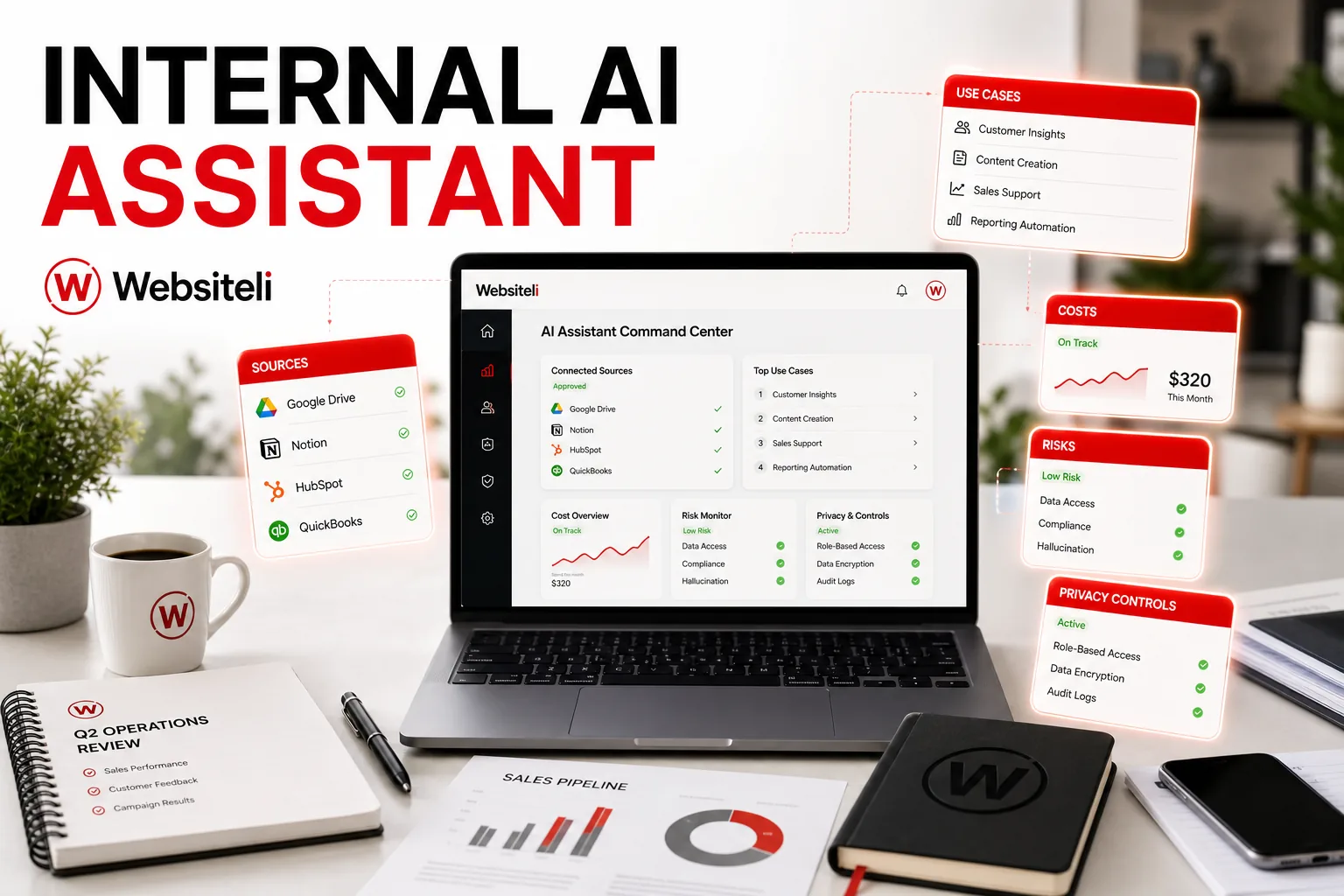
- The assistant should preserve the access rights of the original systems. A user must not receive information they could not open directly. Important controls include identity verification, role-based access, source filtering, encrypted connections, logging, retention rules and a process for removing obsolete content.
Key takeaways
- Start with one narrow and measurable workflow.
- Use approved-source retrieval before considering custom model training.
- Preserve existing access rights and escalate uncertain cases.
- Plan for testing, content ownership and maintenance.
What is an internal AI assistant?
An internal AI assistant is a private employee-facing tool that finds, summarises and prepares information from approved company documents and systems. It differs from a public website chatbot because the users, data, permissions and consequences of mistakes are different.
Which use cases are practical?
Strong first use cases are narrow and easy to verify: finding the latest approved procedure, summarising a document, preparing a meeting brief, drafting an internal response from controlled sources, comparing approved information or routing an uncertain question to the right owner. The assistant should support work, not silently make binding decisions.
RAG or model training?
Many assistants use retrieval-augmented generation, or RAG. The system searches approved sources at request time and supplies relevant context to the language model. This often removes the need to train a custom model, makes knowledge easier to update and allows answers to show source citations.
What affects project cost?
There is no responsible universal price. Complexity depends on data quality, document formats, integrations, user roles, permission rules, hosting, security, testing, monitoring and ongoing ownership. A pilot using one clean source is much simpler than a company-wide assistant connected to several systems.
How should privacy and permissions work?
The assistant should preserve the access rights of the original systems. A user must not receive information they could not open directly. Important controls include identity verification, role-based access, source filtering, encrypted connections, logging, retention rules and a process for removing obsolete content.
What are the risks and the best first step?
Typical failures include confident but unsupported answers, outdated sources, missing citations, permission leakage and unclear ownership. Reduce risk with real-question testing, confidence thresholds and human escalation. Start with one team, one source collection and one measurable task; use simpler search or better document organisation when that already solves the problem.
AI assistants · Business automation · Services and pricing · Contact
From idea to a useful internal AI assistant
The strongest first version answers a narrow set of repeated internal questions from approved company material. Start with one team, one document set and a small evaluation set before expanding access.
If you want to turn the idea into a controlled pilot, see Websiteli's internal AI assistant service, RAG chatbot development and the practical guide to scoping an internal AI assistant pilot.