
Article summary
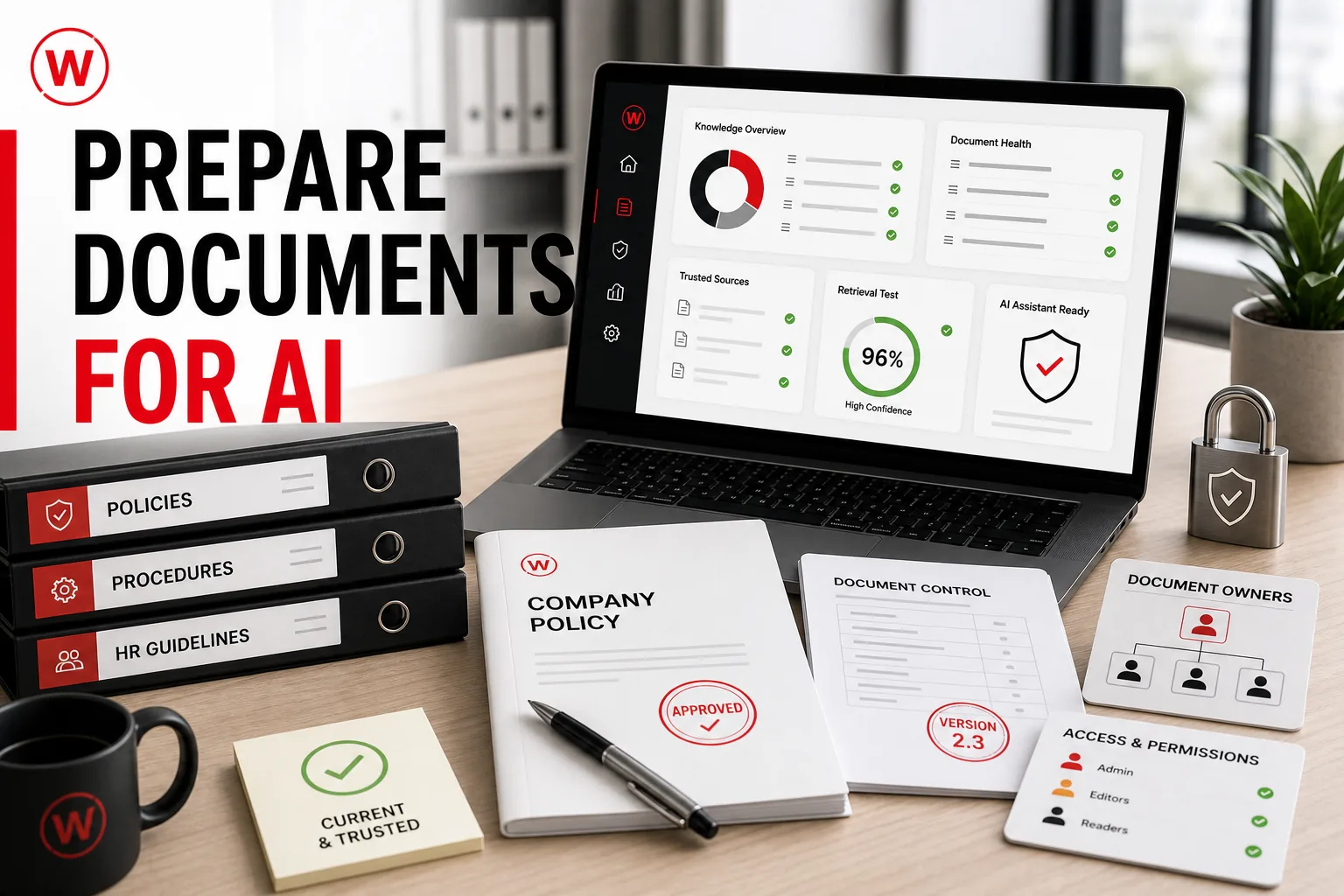
- Clean ownership, current versions, access rules and clear document structure matter more than simply uploading everything.
- Select the smallest set of documents that can answer that task. Prefer approved policies, maintained guides, product information and controlled knowledge bases. Informal notes, personal folders and uncertain drafts should not become trusted sources merely because they are easy to access.
- Record who owns each source, who may read it and how access changes when roles change. The assistant should preserve permissions from the original system. Separate permission to retrieve information from permission to send messages, edit records or publish content.
- Test with real questions, incomplete wording, restricted documents and known edge cases. Check whether the answer cites the correct source, uses the current version and says when evidence is missing. Expand to another source collection only after the first scope is reliable.
Key takeaways
- Begin with one task such as finding an approved procedure, preparing a meeting brief or answering an internal policy question. Define what a correct answer looks like, which team will use it and when the assistant must hand the question to a person.
- Multiple versions create contradictory answers. Mark the current version, archive or exclude outdated copies and document effective dates. Where two sources disagree, assign an owner to decide which one is authoritative before indexing either document.
- Record who owns each source, who may read it and how access changes when roles change. The assistant should preserve permissions from the original system. Separate permission to retrieve information from permission to send messages, edit records or publish content.
- Test with real questions, incomplete wording, restricted documents and known edge cases. Check whether the answer cites the correct source, uses the current version and says when evidence is missing. Expand to another source collection only after the first scope is reliable.
Start with one business question
Begin with one task such as finding an approved procedure, preparing a meeting brief or answering an internal policy question. Define what a correct answer looks like, which team will use it and when the assistant must hand the question to a person.
Choose authoritative sources
Select the smallest set of documents that can answer that task. Prefer approved policies, maintained guides, product information and controlled knowledge bases. Informal notes, personal folders and uncertain drafts should not become trusted sources merely because they are easy to access.
Remove duplicates and obsolete versions
Multiple versions create contradictory answers. Mark the current version, archive or exclude outdated copies and document effective dates. Where two sources disagree, assign an owner to decide which one is authoritative before indexing either document.
Improve structure and context
Useful files have descriptive titles, clear headings, readable tables, defined abbreviations and enough context to understand a passage outside the full document. Scanned files may need text extraction and quality checks. A short glossary can improve consistency across teams and languages.
Map ownership and permissions
Record who owns each source, who may read it and how access changes when roles change. The assistant should preserve permissions from the original system. Separate permission to retrieve information from permission to send messages, edit records or publish content.
Test retrieval before expanding
Test with real questions, incomplete wording, restricted documents and known edge cases. Check whether the answer cites the correct source, uses the current version and says when evidence is missing. Expand to another source collection only after the first scope is reliable.
Internal AI assistants · AI integrations · Business automation · Services and pricing · Contact